MicroJuke: Lo-fi in the corner
A downloadable tool for Windows


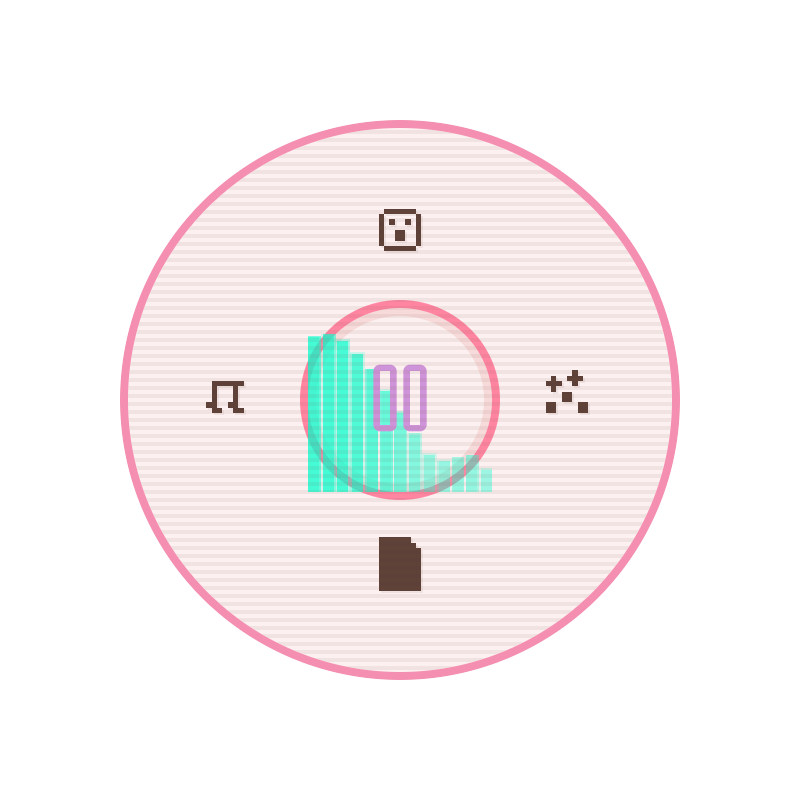
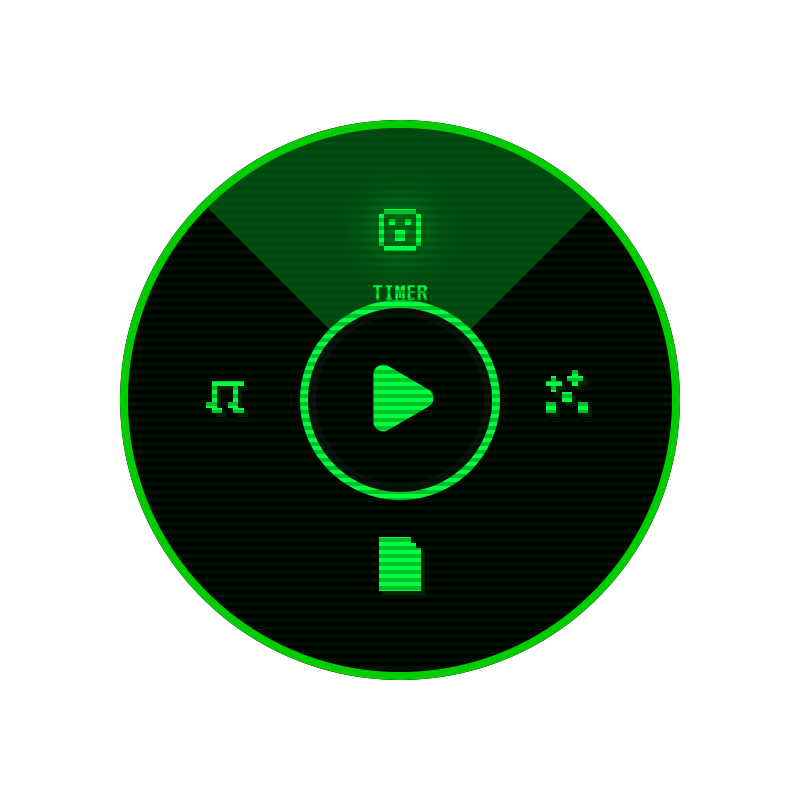
MicroJuke is a 400x400 pixel widget for Windows. Collapsed, it is a 64px headset button pinned to a corner of your desktop. One click opens an 8-bit pie menu with the player, a Pomodoro timer, and a scratchpad. It floats above every window and folds back to a button when you are done.
It ships with 82 lo-fi tracks and plays folders of your own too. No account and nothing to sign into.


















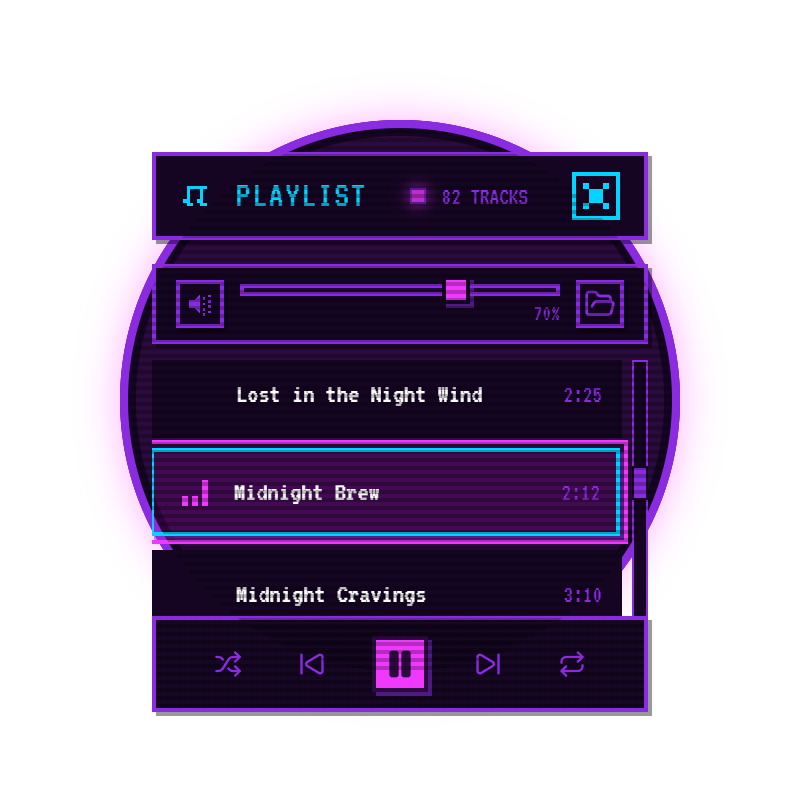
The player. 82 tracks built in, with shuffle, repeat off / all / one, a seekable progress bar, and volume with mute. Point it at any folder of your own mp3, wav, ogg, or m4a files and they slot into the same playlist.
The Pomodoro timer. Three presets: Focus 25, Short 5, Long 15. A square LED reads RUNNING or PAUSED, retro beeps mark the switch, and a visual notification fires even when the widget is collapsed.
QuickNotes. A scratchpad for the thought that would otherwise derail the session. It saves while you type and blinks a save LED so you know it stuck.
Tray and always-on-top. Quit to the tray and control playback from the icon. The widget floats above every window and never takes a taskbar slot. Drag the 64px button wherever it suits you.

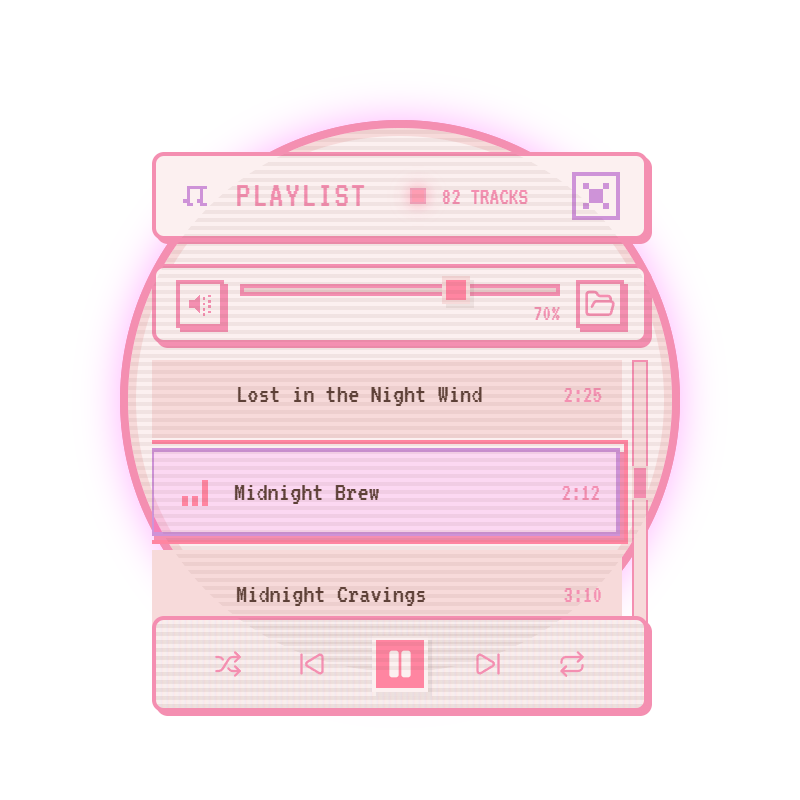
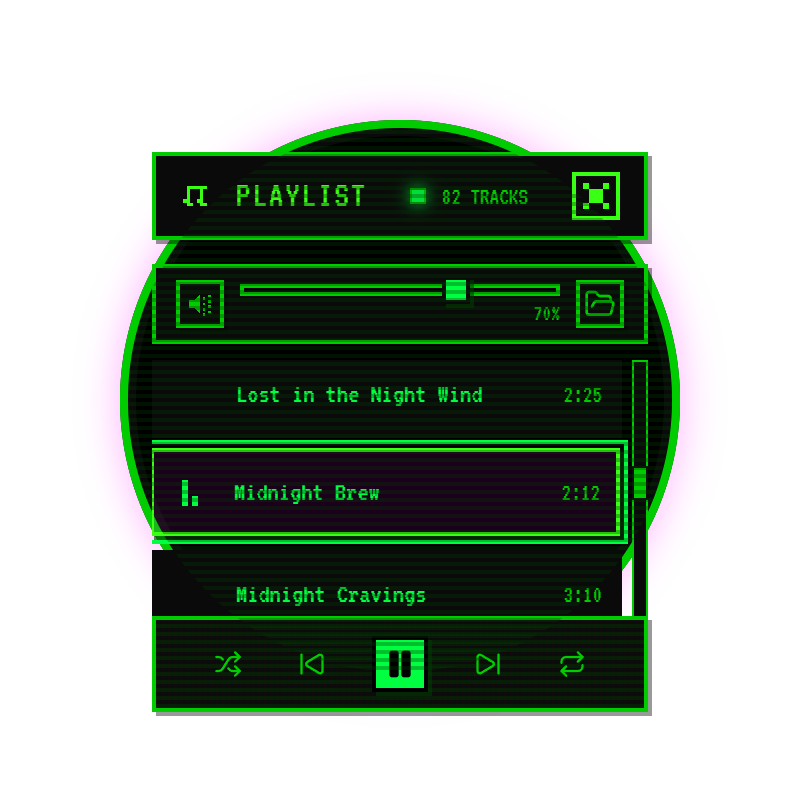
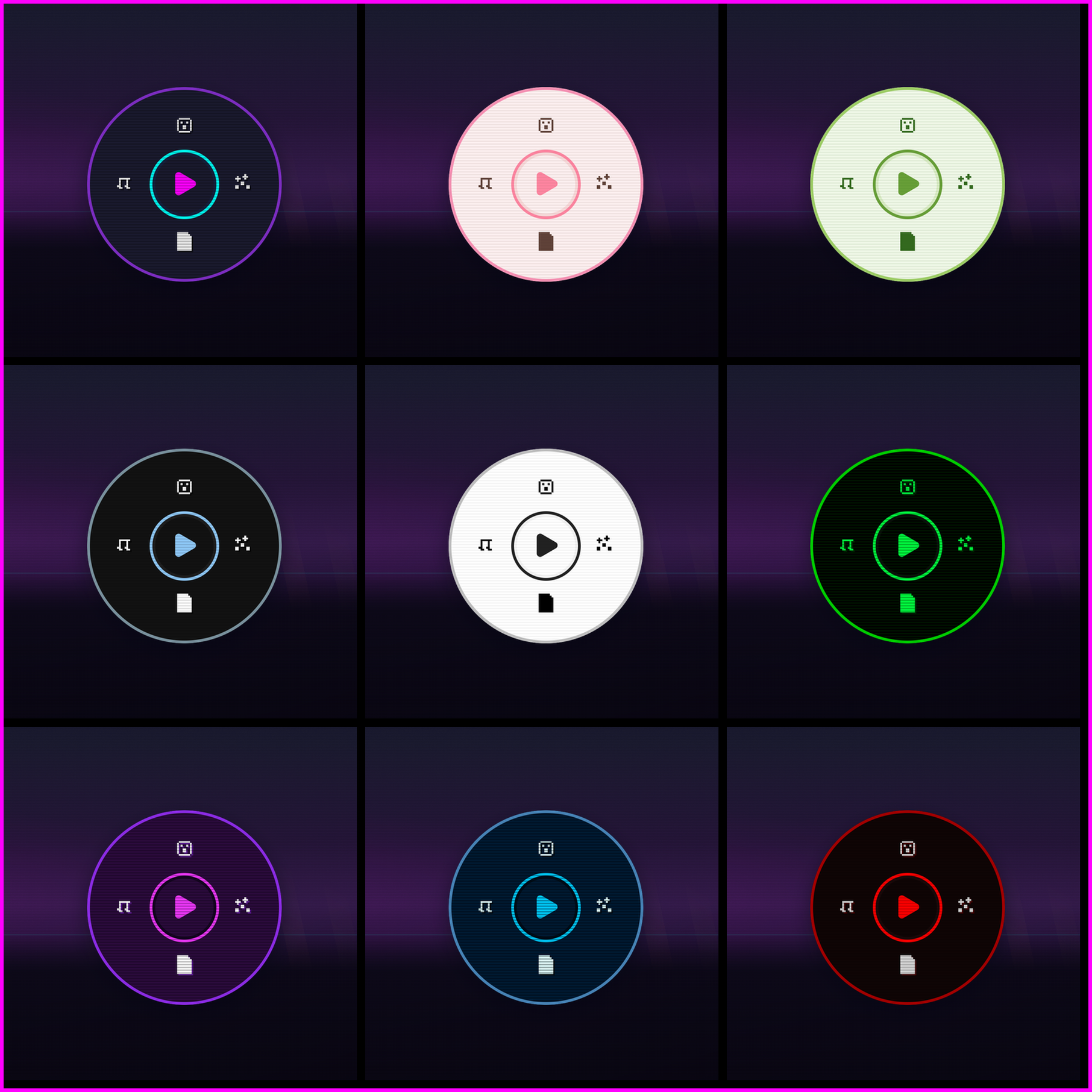
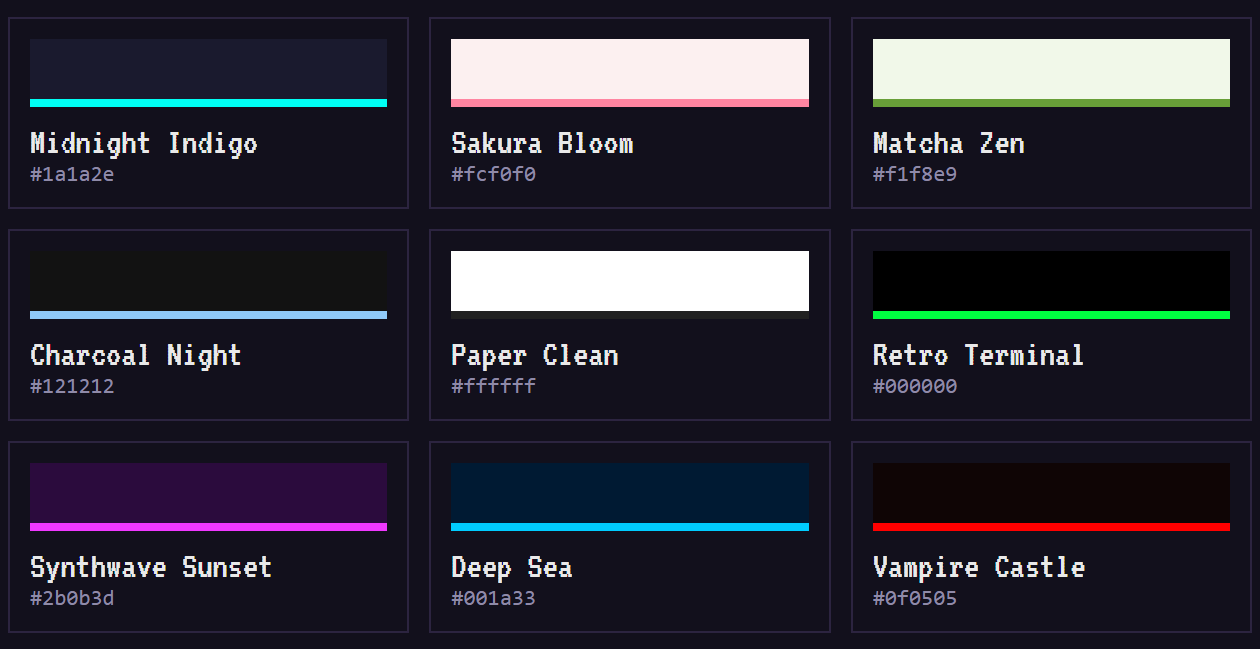
Midnight Indigo is the default. The other eight are one click away, and each one recolors the whole widget, from the LED to the hard shadows.

- You write, study, or code with headphones on and do not want a full music app open
- You want the Pomodoro sitting right next to the music
- You decorate your desktop and want a widget that matches the wallpaper
And a heads-up if you need library management, tags, or playlists of five thousand files: that is a job for a full music player, and there are good ones out there. MicroJuke stays in its corner.

- Windows 10 / 11, 64-bit. macOS and Linux are not built yet
- The download is about 265 MB because all 82 tracks ship inside it
- Fully offline after install. Nothing phones home
- Your audio stays on your disk. The app loads folders, it never uploads them
- MicroJuke is $4.99, buy once, keep it

Does it work offline? Yes. Install it, unplug the network, it plays. The 82 tracks are bundled in the download.
Can I play my own files? Yes. Any folder of mp3, wav, ogg, or m4a files.
Is there a Mac or Linux build? Not yet. Windows is the only tested build, so do not buy it for anything else.
How heavy is it? The download is about 265 MB because all 82 tracks ship inside it. After that it is one 400x400 window on your screen.
Can I hide it during a call or a game? Collapse it to the 64px button, or quit to the tray and bring it back from there.
Put a corner of your desktop to work
Purchase
In order to download this tool you must purchase it at or above the minimum price of $2.49 USD. You will get access to the following files: