SpriteForge: Video in. Sprites out.
A downloadable tool for Windows
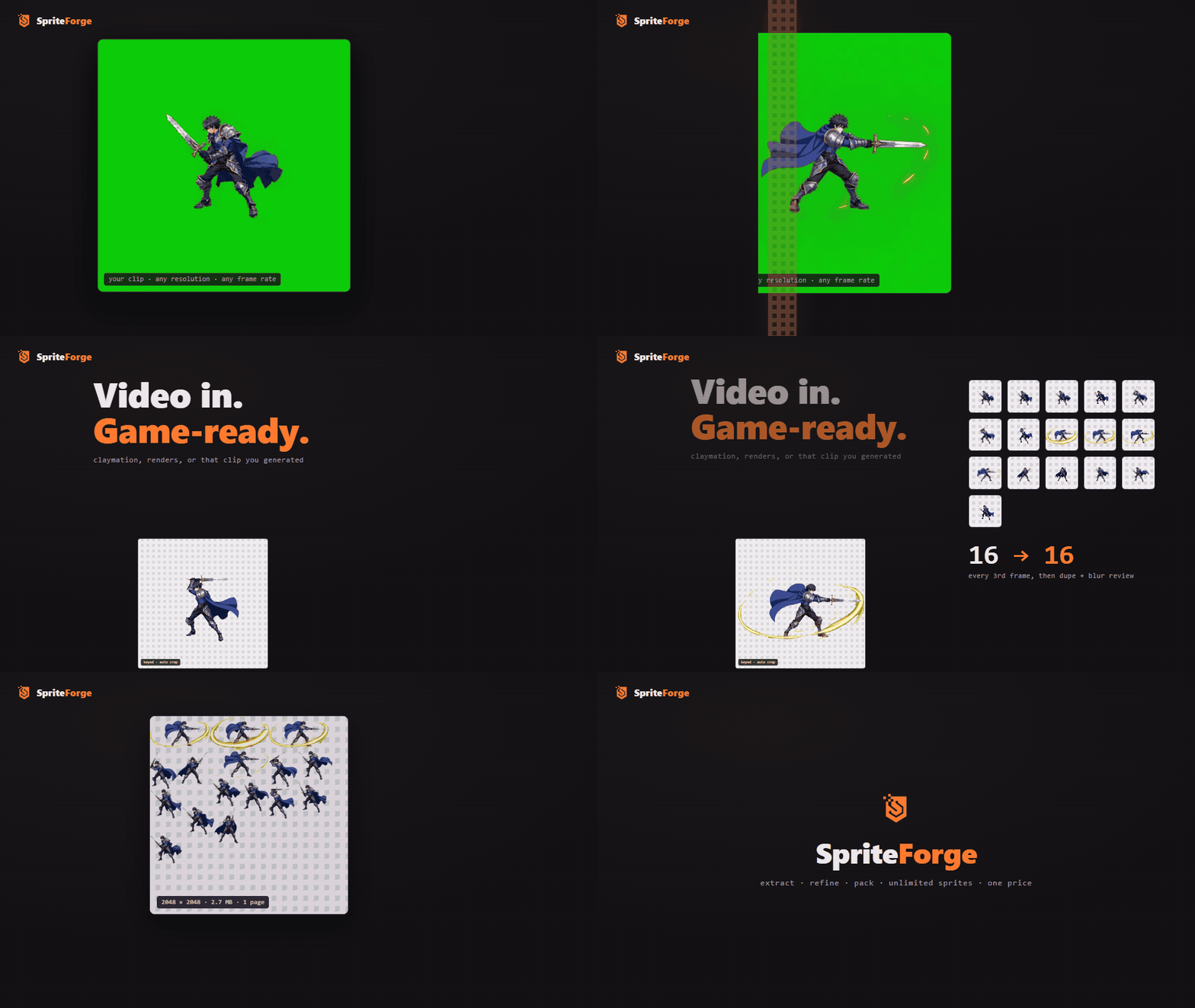
Video in. Game-ready.
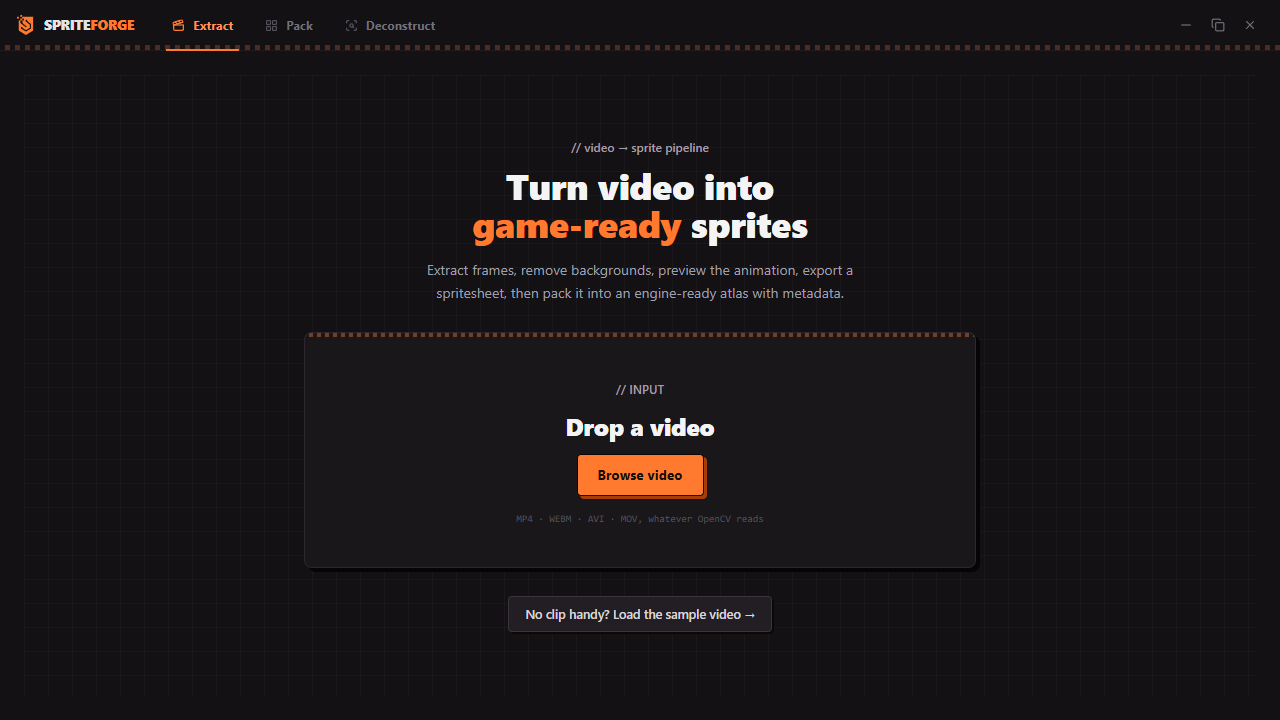
SpriteForge turns footage into what your engine actually loads: trimmed PNGs on transparency, packed atlases, and metadata for Phaser 3, Godot 4, and anything that reads Aseprite JSON. Drop in a clip. It extracts the frames, cleans the background, flags duplicates and blurry frames, and packs what survives into an atlas. All of it happens on your machine. No account, no upload, no internet at any point.
You animated a character and now you have a clip. Your engine needs the good frames, cleaned, trimmed, pivoted, and on one atlas. That gap is the whole job, and this is the tool for it. It doesn't care where the clip came from: stop-motion, a rendered turntable, gameplay capture, or that video you generated from a still. A clip is a clip.
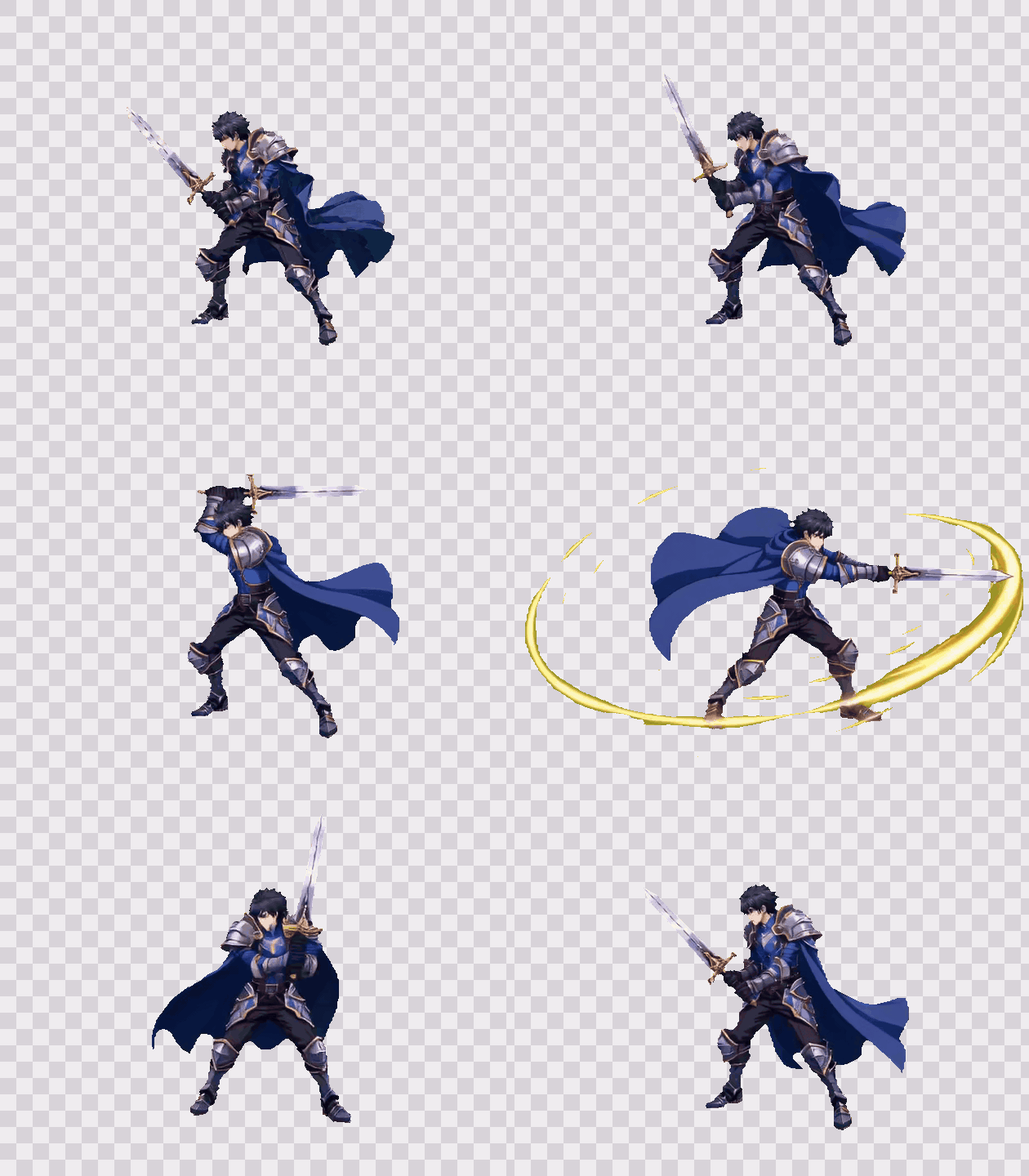
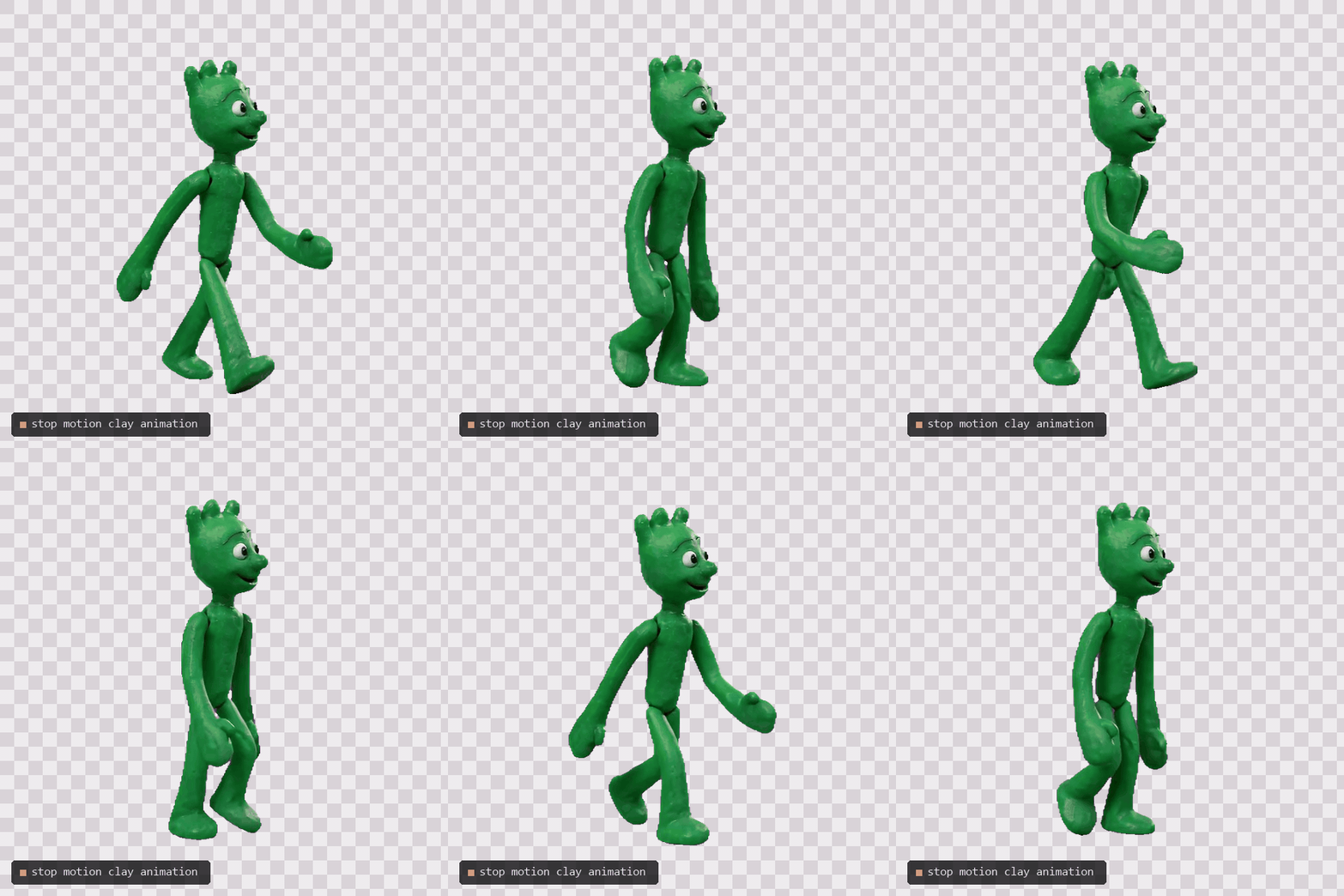
Here's a stop-motion clip run through the full pipeline, keyed and playing on transparency:

The four modules
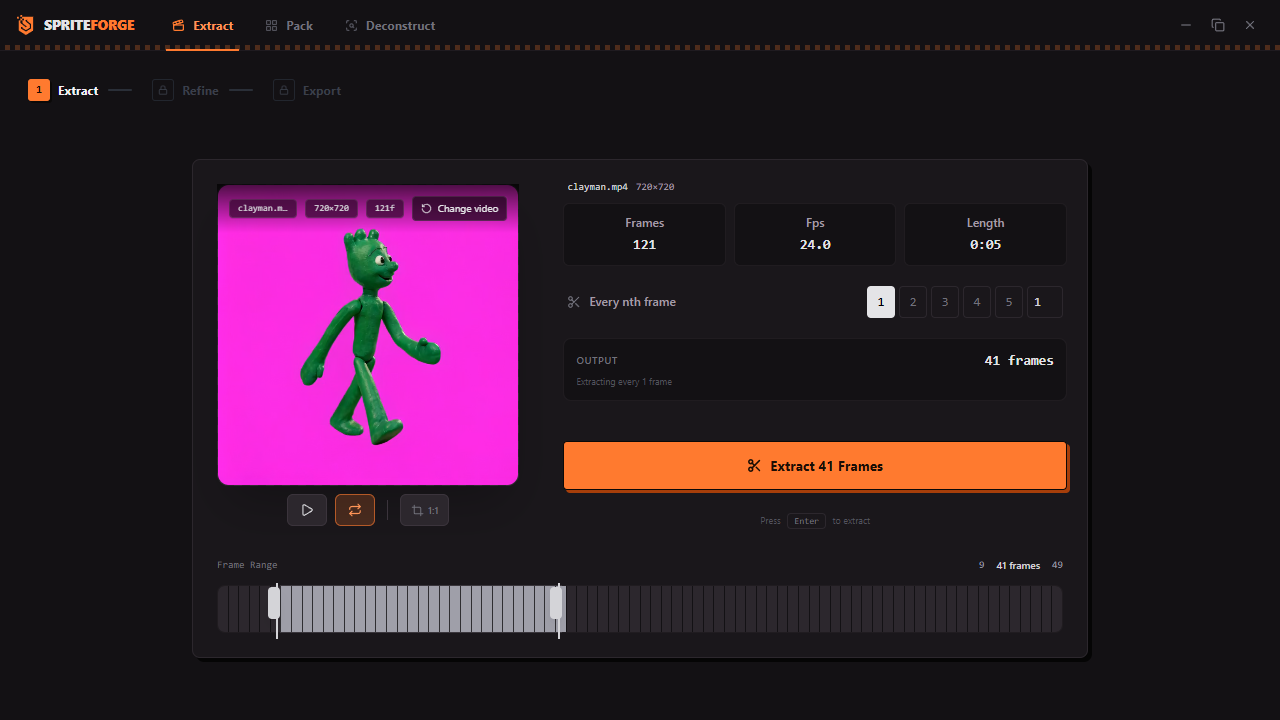
EXTRACT, video to frames. Start with a clip. Set start frame, end frame, and step, or crop the player to a centered 1:1 square for avatar work. Up to 1000 frames per pull. Every frame gets scored for blur and for how close it sits to the frame before it, so near-duplicates group themselves and you deselect them in one click. Stuck without a clip? There's a sample video built in.
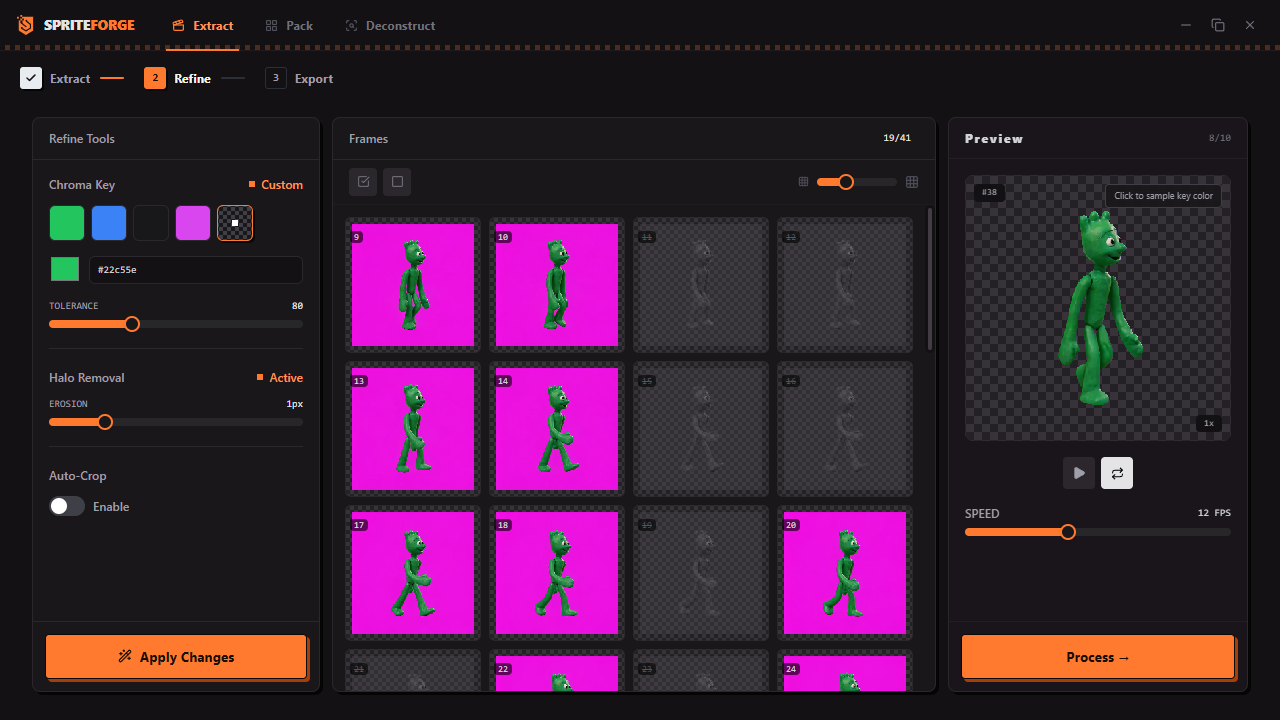
REFINE, clean and preview. Chroma-key green, blue, black, or magenta presets, or any custom color with the eyedropper, tolerance 0 to 255. Edge erosion 0 to 5px for fringe. Auto-crop finds one unified bounding box across the whole batch so every frame of the animation stays the same size. Resize to a target sprite size with nearest-neighbor for pixel art or bilinear, with an optional border. Play the animation back at your chosen FPS before exporting.
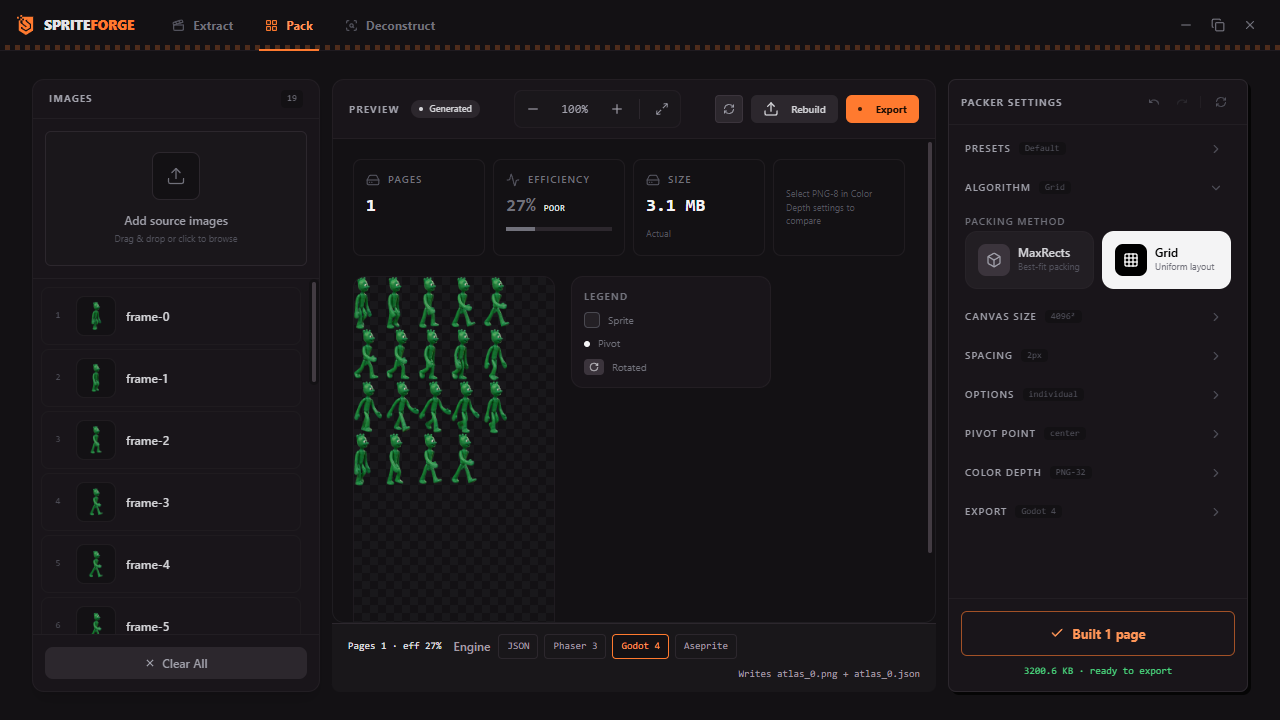
PACK, frames to atlas. MaxRects packing with four heuristics, or a uniform Grid for regular sheets. Canvas up to 16384px, power-of-two toggle, padding 0 to 16px, edge extrude 0 to 8px, optional 90-degree rotation with correct rotation flags in the metadata. Trim each sprite independently or unify the trim. Nine pivot presets plus a custom editor. PNG8 quantization with or without dithering, and the analyzer shows fill efficiency plus estimated sizes before you commit.
You get Phaser 3 atlas JSON (multiatlas when pages split), Godot 4 SpriteFrames .tres with your FPS baked in, Aseprite-compatible JSON with per-frame durations, plus generic JSON and XML. Sheets you sliced in the Deconstructor go straight into the Packer.
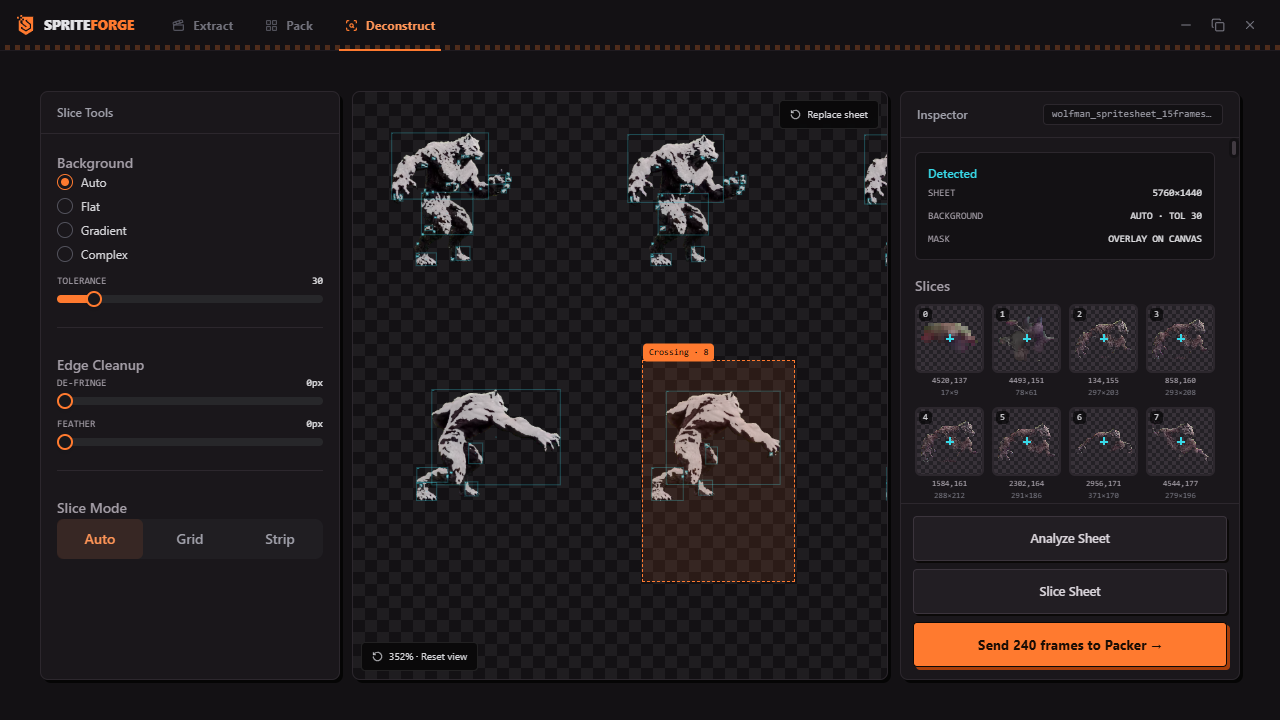
DECONSTRUCT, sheets back to frames. Load any sprite sheet. It samples the edges, classifies the background as flat, gradient, or complex, and shows you the mask it derived. It guesses the grid and the strip layout. Slice by auto-contour, grid, or strip with spacing and offsets. Defringe 0 to 10px, feather 0 to 10px, de-duplicate with a perceptual hash, auto-name with zero-padding, set pivots.
Work module to module and the state persists as you move. Video becomes frames, frames become sprites, sprites become an atlas, and an old sheet can enter at any point and ride the same track.
The review step
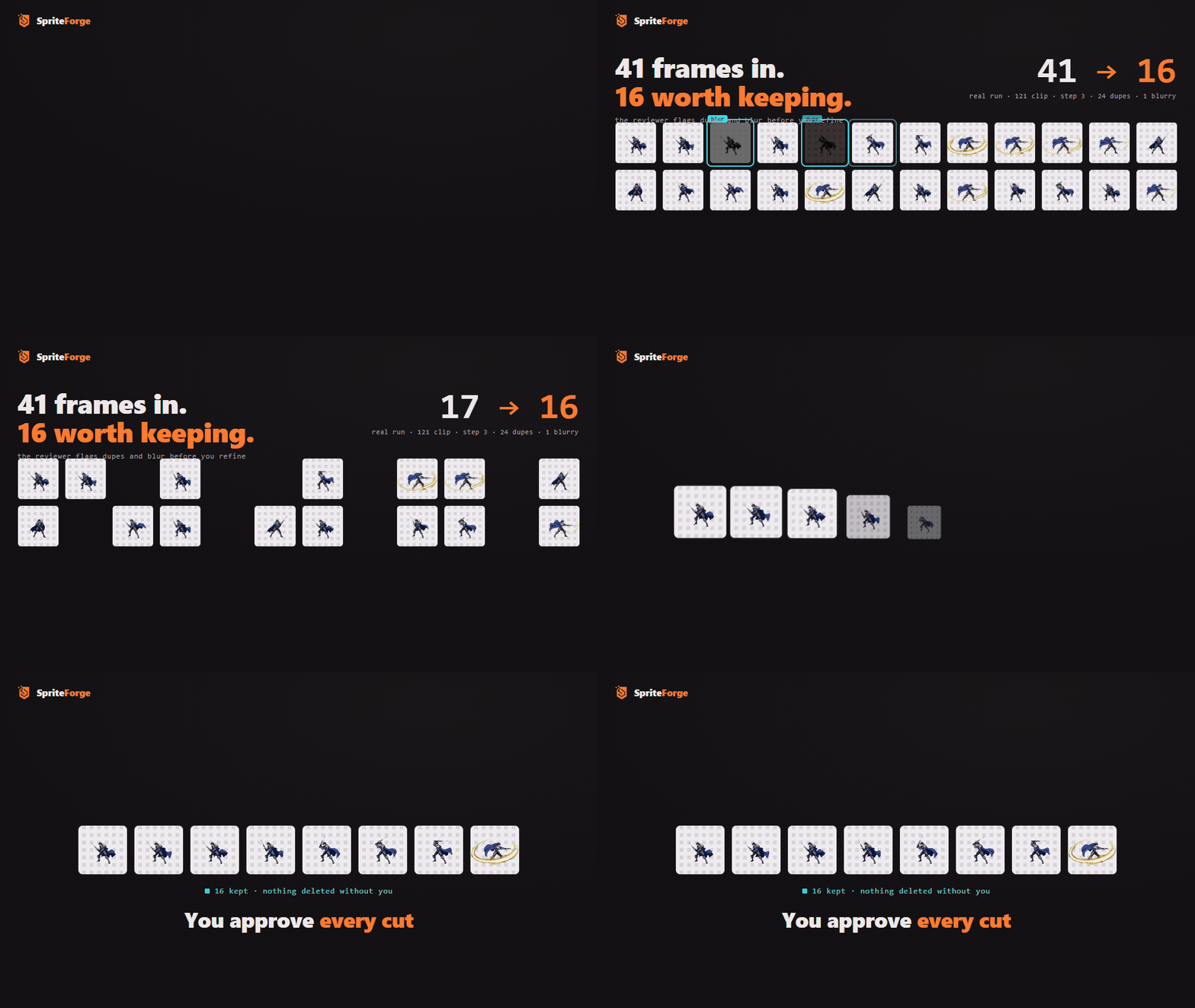
On the sample clip that ships with the app, pulling every 3rd frame gets you 41. The analyzer flags 24 duplicates and 1 blurry one, keeping 16. Every cut is a suggestion. Suspects dim and drop away, and nothing leaves the set until you approve it.
The packer
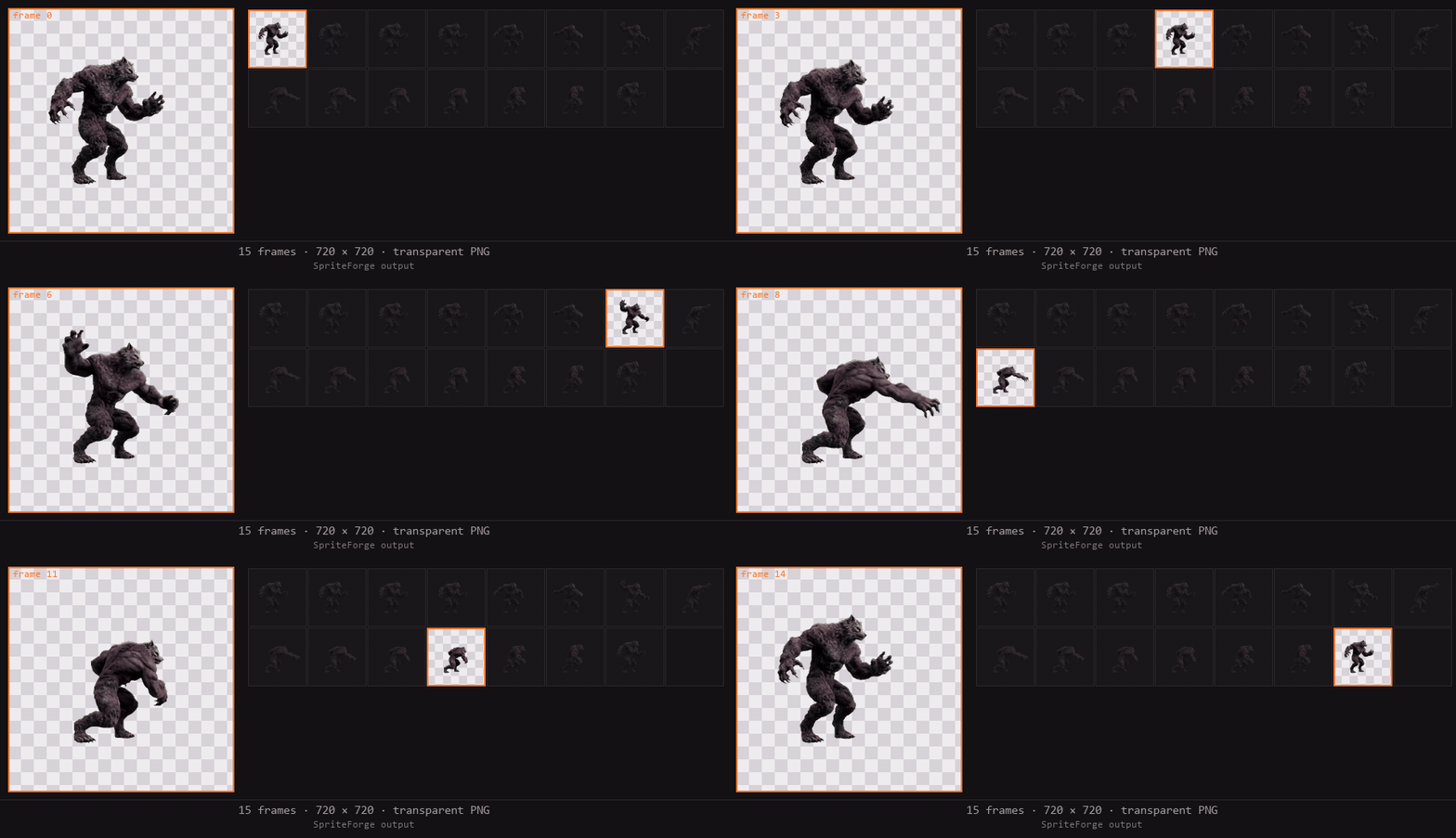
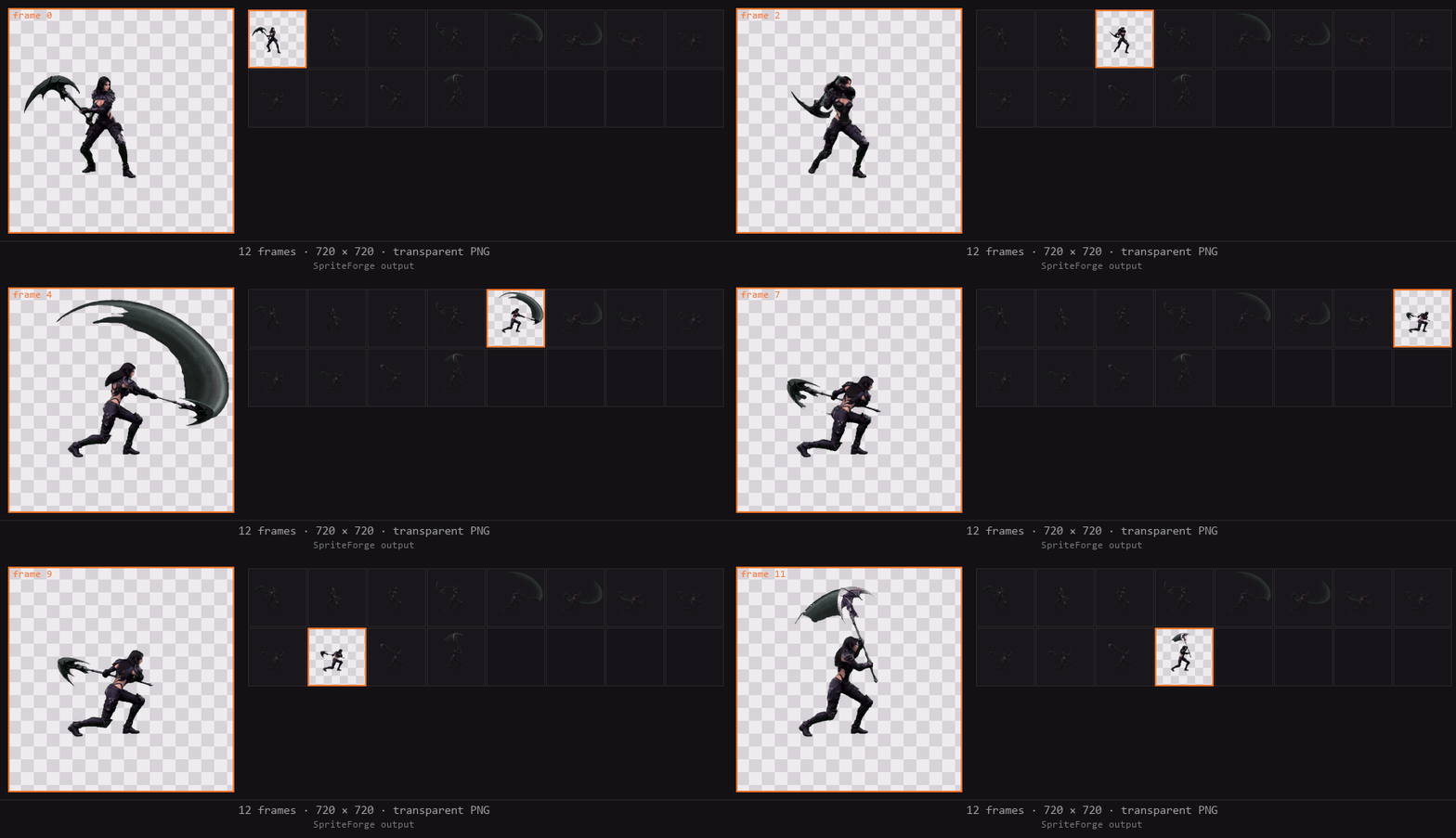
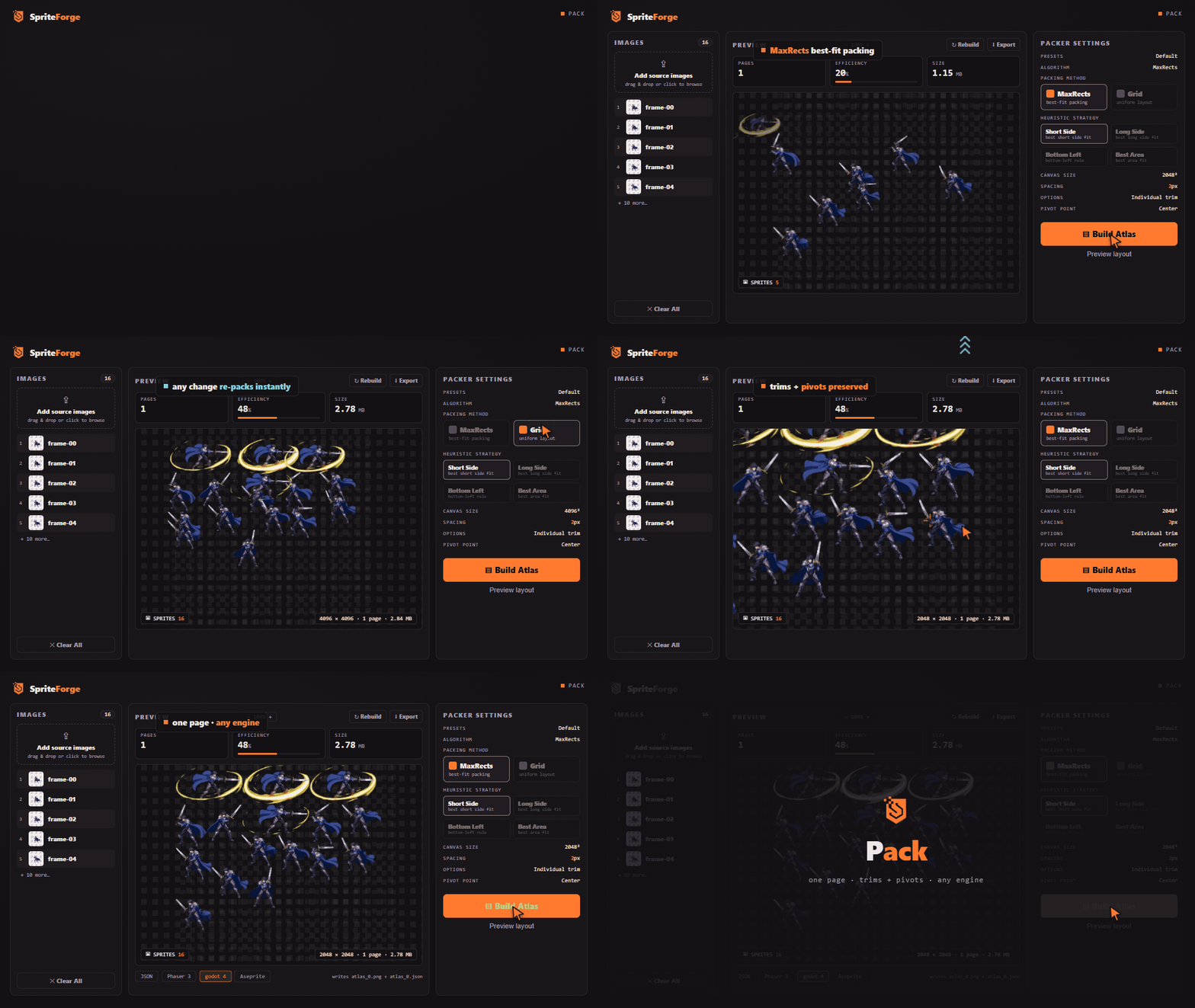
The survivors go straight to the packer. Those 16 sprites land on one 2048 x 2048 page at 2.7 MB, trimmed and pivoted, with the JSON your loader expects sitting next to the PNG. No sprite caps, no format tiers, no subscription gate between you and the engine export you need. Change a setting and the build state clears, so the atlas on screen is never lying about what would land on disk.
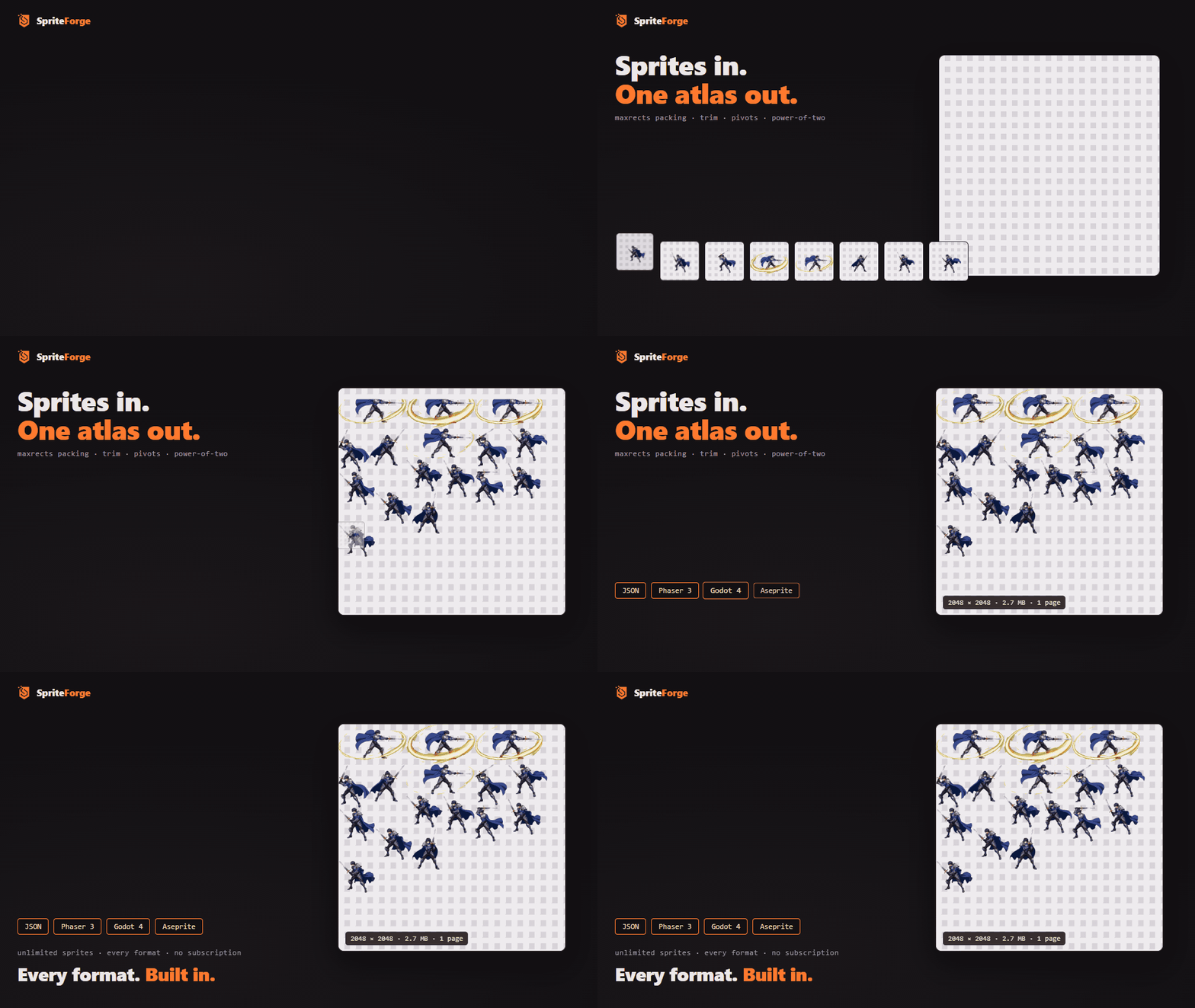
The longer cut: MaxRects against a uniform Grid on the same 16 sprites, a zoom into the trim box and the pivot cross, then the build.
The deconstructor
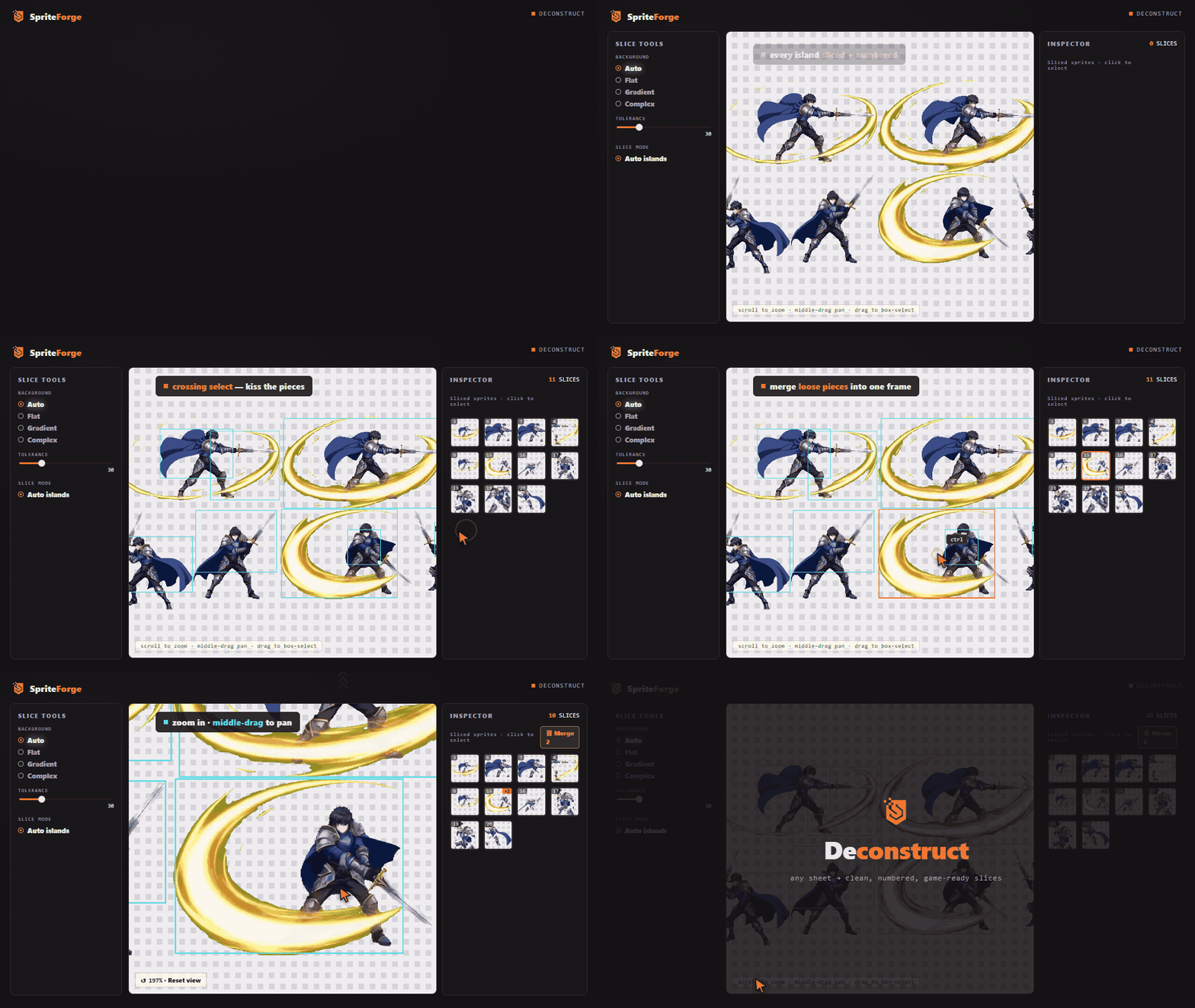
Old sheets welcome. SpriteForge finds every island, slices it clean, and numbers the frames; the canvas is built for the leftovers. Box-select the stragglers, drag one way for window select and the other for crossing. Merge pieces that belong together, like a crescent slash and the swing that made it. Zoom to pixel level when you want to check a pivot. What you recover goes straight to the packer.
Limits, stated plainly
- Background removal is color and mask math, not a neural net. Flat and gradient backgrounds come out clean. A busy photographic background will fight it; GrabCut runs a best-effort pass on complex scenes.
- Video decoding is whatever OpenCV decodes. MP4/H.264 is the tested path. If a codec won't open, the tool tells you instead of hanging.
- Caps: 1000 frames per extraction, 1000 images per pack. Enough for a character; not for a film.
- It processes. It is not an animation editor. Timeline tweaks happen in your engine.
- Godot's AtlasTexture cannot express rotated frames. Pack with rotation off for a clean Godot export; SpriteForge warns you when you don't.
- The interface talks to a small Python server on 127.0.0.1, loopback only. Unplug the network and it keeps working. If the engine ever fails to start, the app says why and offers a retry.
System requirements
| Input | Video (MP4 tested) · PNG images · existing sprite sheets |
| Output | PNG atlases · frame ZIPs · GIF · Phaser 3 JSON · Godot 4 .tres · Aseprite JSON · generic JSON/XML |
| Runtime | Windows 10+ (64-bit) · everything bundled, runs offline · no install, unzip and run |
| Telemetry | none |
FAQ
Does it remove backgrounds from any image?
From flat and gradient backgrounds, reliably. That's color-distance masking with tolerance you control. Complex backgrounds get a GrabCut pass. It is not a neural segmenter, and hair against a busy scene is beyond it. Test your worst frame early.
Does my art leave my machine?
No. The app is a window plus a local server on loopback. There is nothing to phone home to; the content security policy blocks every non-local connection.
How is this different from TexturePacker?
TexturePacker packs, and packs well, but the unlimited version is a subscription. SpriteForge starts earlier (video to frames, chroma key, de-duplication, resize) and finishes the same way: MaxRects packing with trim, extrude, and PNG8, writing Phaser 3, Godot 4, and Aseprite metadata. Unlimited sprites, every format, one price. It also goes the other direction, slicing existing sheets back into frames and re-packing them.
Mac or Linux?
Windows today. The Mac and Linux configs are in the repo; builds ship when they've been tested on real hardware, and buyers get them free.

Purchase
In order to download this tool you must purchase it at or above the minimum price of $7.49 USD. You will get access to the following files: