VECTORIZER: Pixel in. Path out.
A downloadable tool for Windows

Pixel in. Path out.
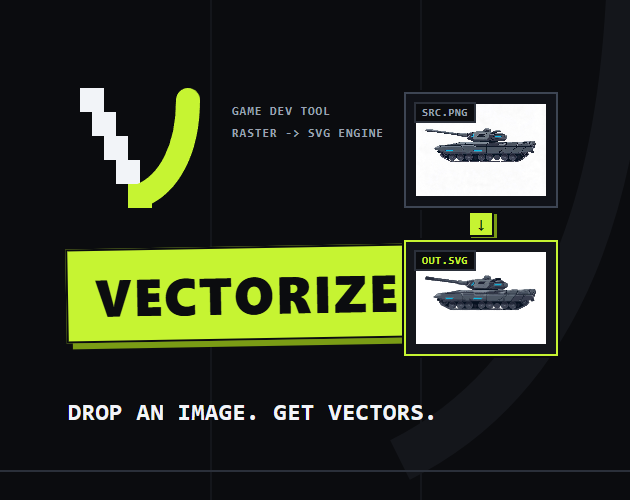
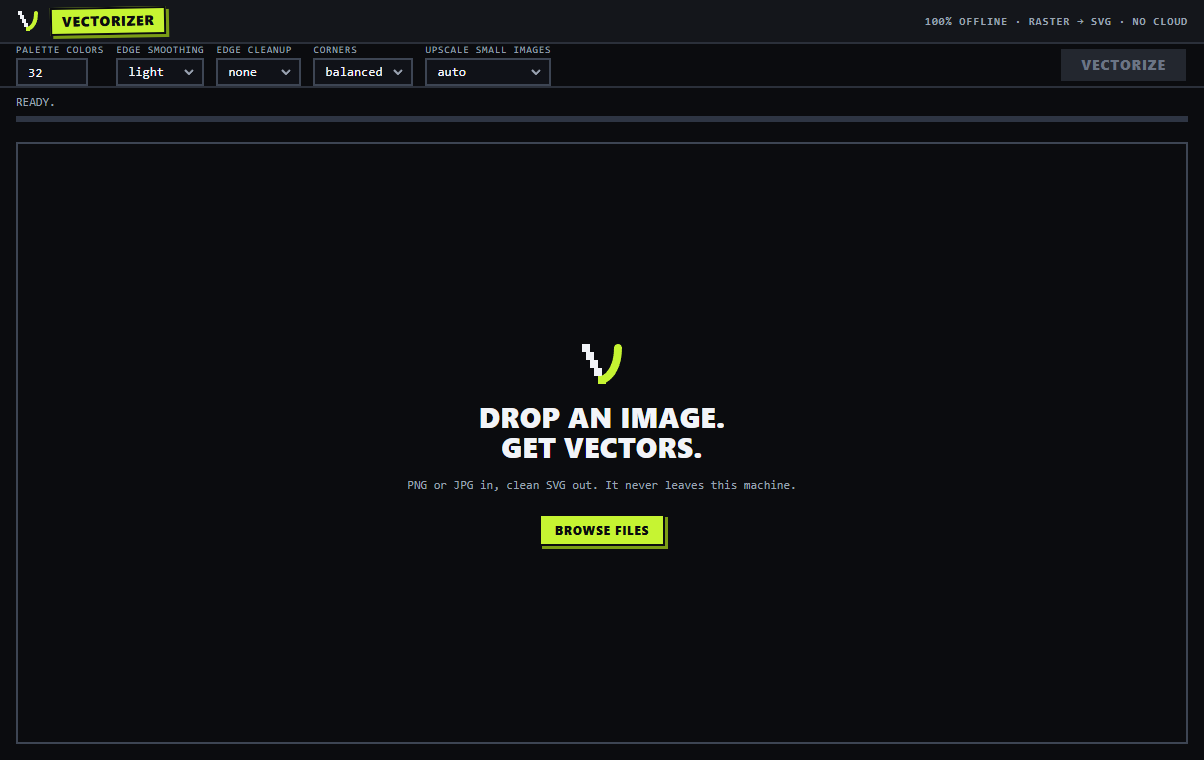
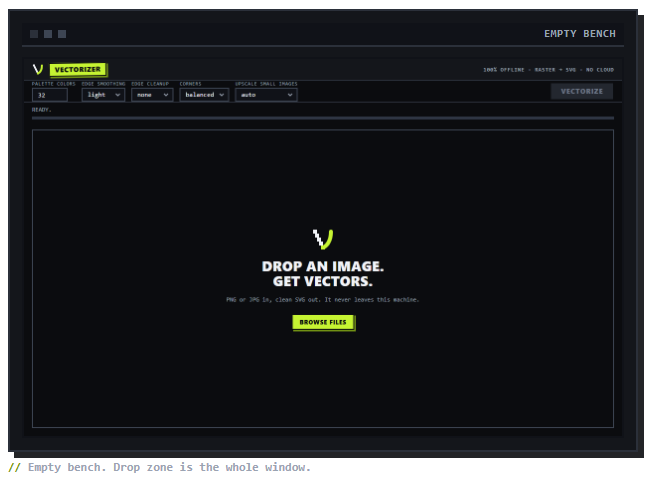
VECTORIZER converts flat-color game art into SVG paths. Drop a PNG, get vectors that open in Inkscape, Illustrator, Affinity, or anything that reads SVG. It runs on your machine. No account, no upload, no internet at any point.
It exists because resizing raster art never ends: the store page wants 512px, the launcher wants 1024, print wants more. With vectors that problem goes away once.
What it does
- Takes PNG, JPG, WEBP, BMP, GIF, TIFF.
- You pick the palette size, 4 to 96 colors. It's k-means quantization, so shading zones group into real regions instead of splitting into slivers of near-identical shades.
- Small images get a Lanczos upscale before tracing. A 48x48 icon comes back as clean curves, not jitter.
- Edge cleanup only runs near the background. Stripes, glyphs, and faces on a sprite stay put.
- Corners are adjustable. Sharp for pixel art, softer for painted plates.
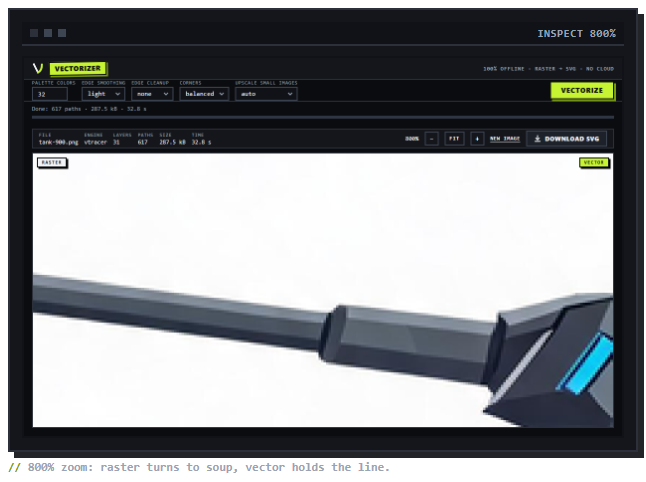
- Output is snapped to the final palette and seam-sealed, so stacked shapes don't show white hairlines at the joints when you zoom.
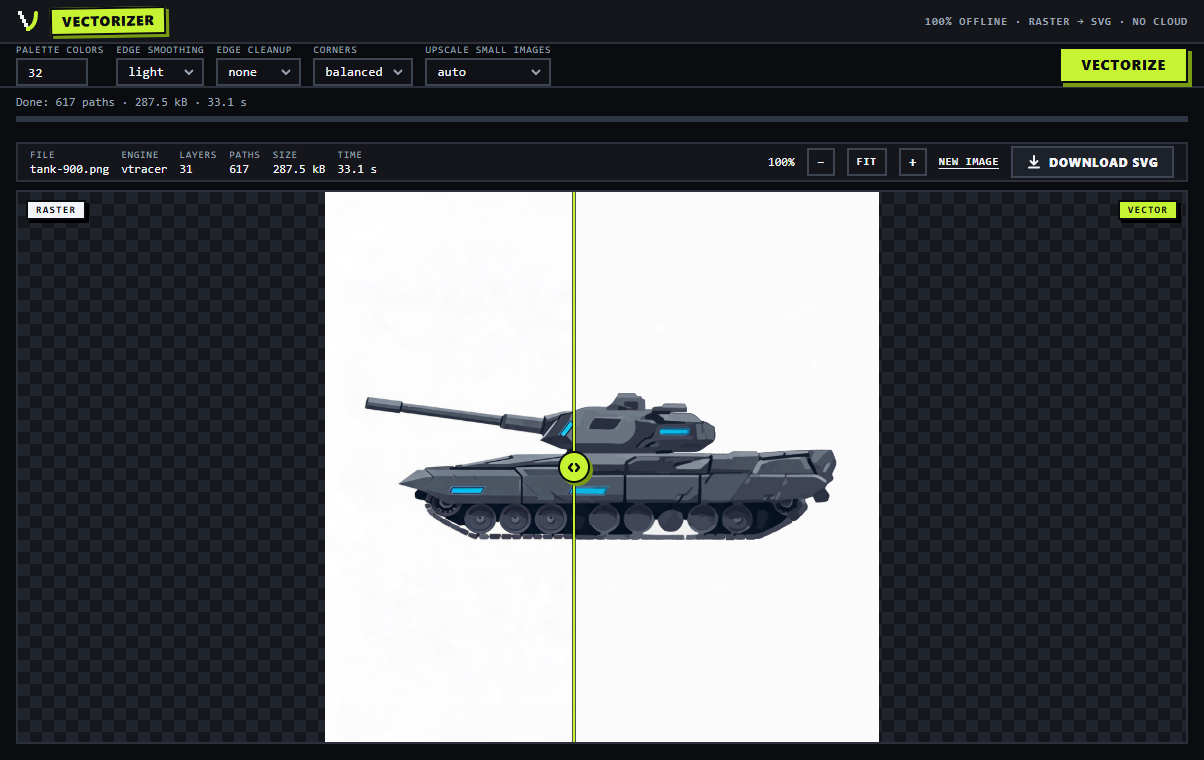
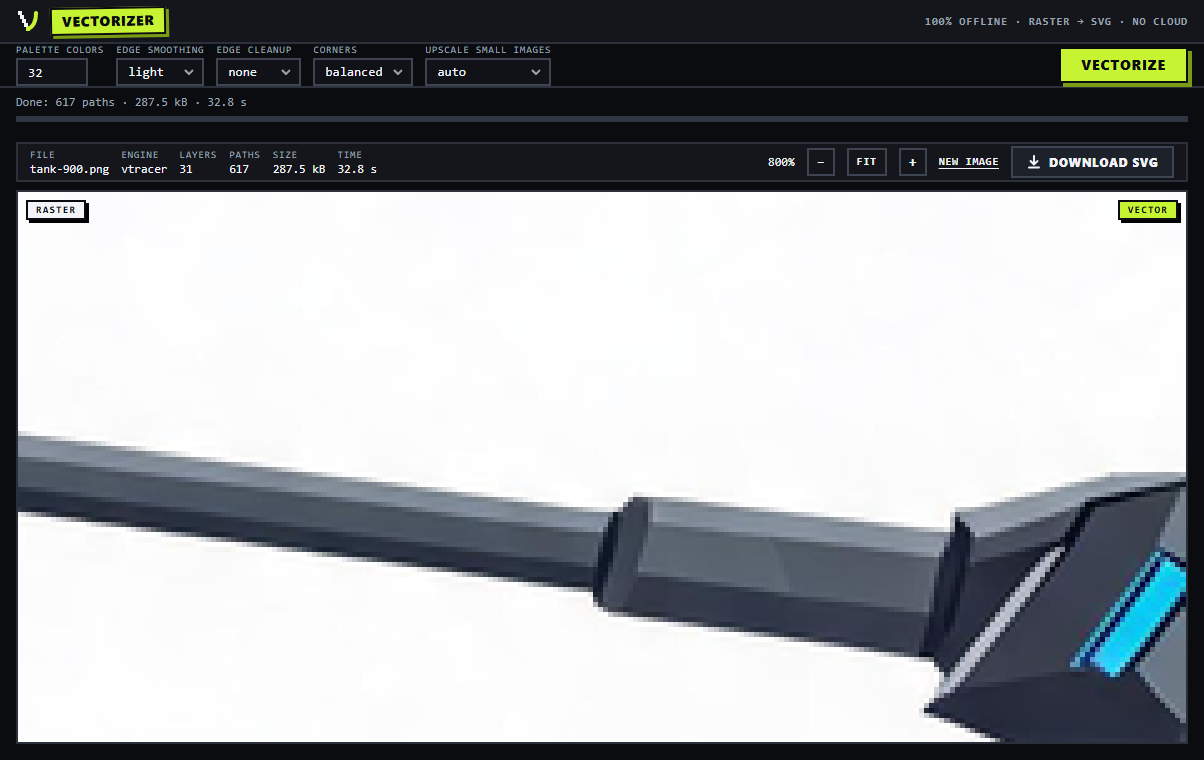
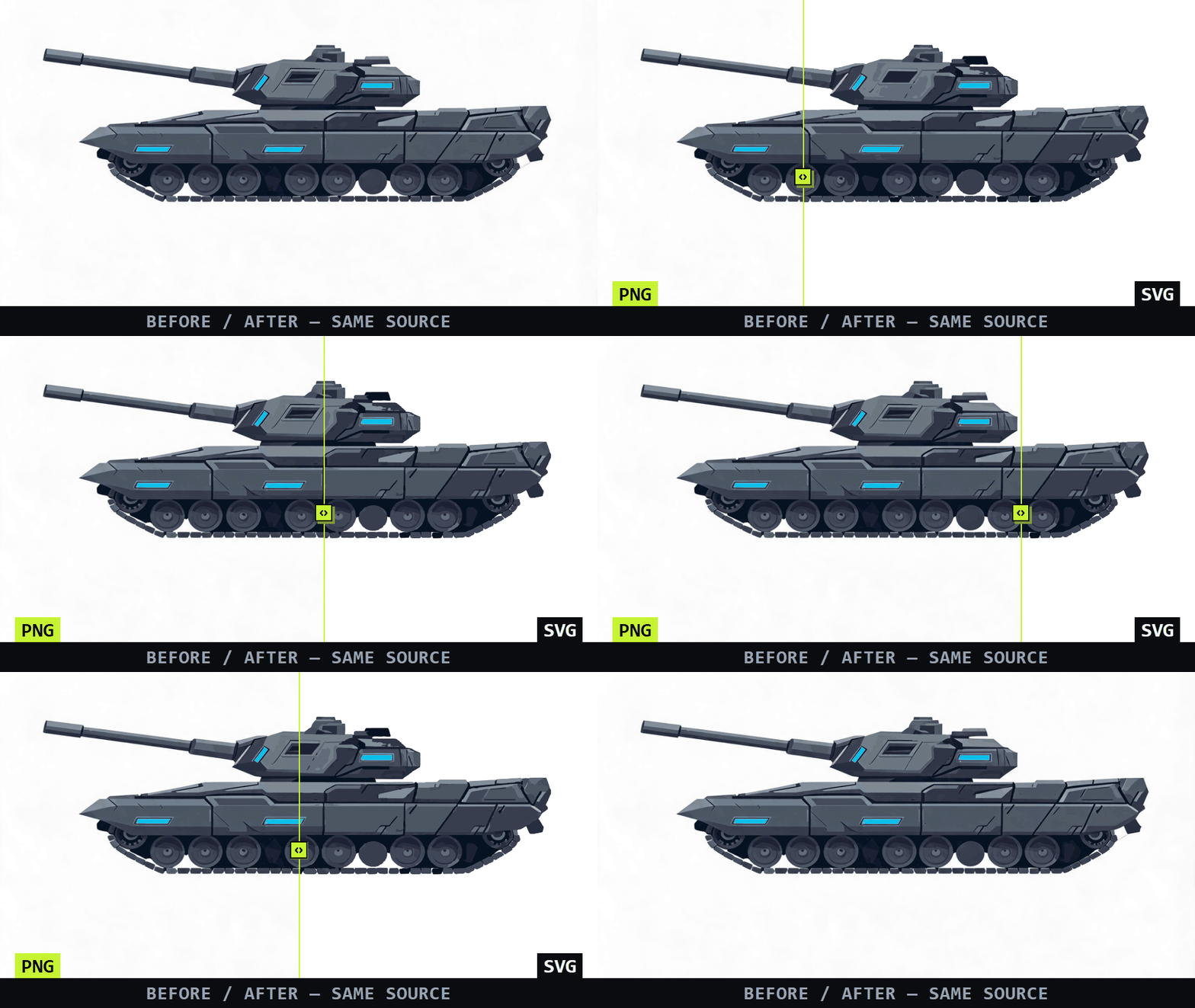
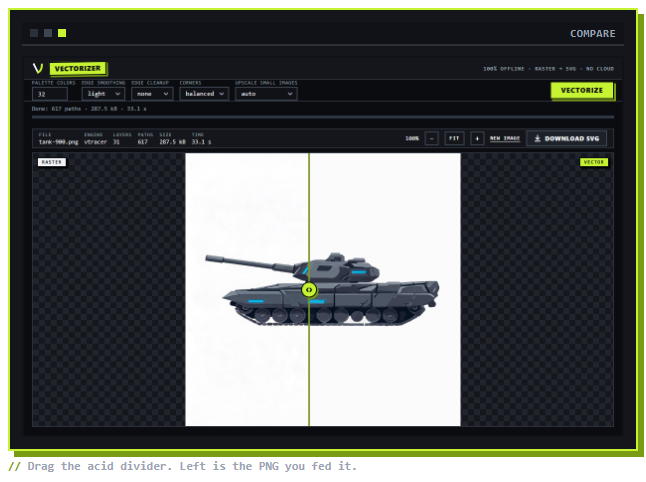
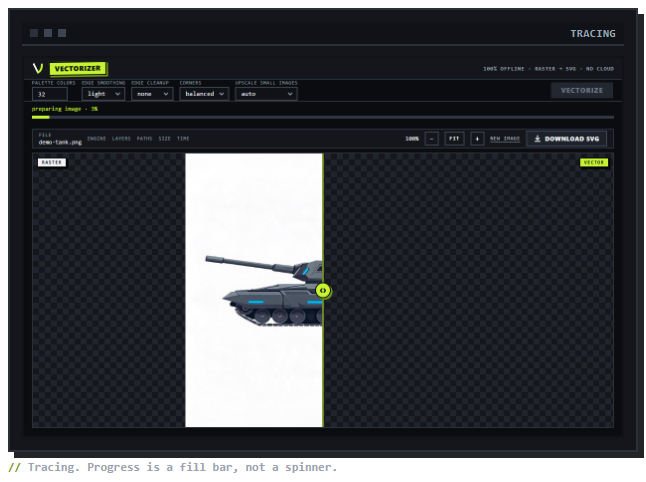
- Check the result before exporting: before/after slider, zoom to 800% where the raster side goes pixelated and the vector side stays smooth, middle-mouse pan, keyboard controls.
- After every run you get numbers: layers, paths, file size, time. A 966x912 panel traced at 1,215 paths, 1.02 MB, about 16 seconds.
What it's for
Flat-color art. Sprites, UI kits, icons, item art, map panels, anything with hard edges and a limited palette.
Not photos. A photo run through this comes out posterized, which is occasionally the look you want and usually isn't. If your art leans on soft gradients, test before buying.
How it works
1. Drop the file.
2. Watch the progress bar. It names its stage, upscale through post-process, and the percent, so you can tell tracing from hanging.
3. Inspect, then download the SVG.

Limits, stated plainly
- It's not a photo tracer. Said twice now because it matters.
- It converts. It does not edit paths. Export and do surgery in Inkscape or your engine.
- The interface is a browser page served from your own disk by a small local server. That's how it ships; unplug the network and it keeps working.

System requirements
| Input | PNG · JPG · WEBP · BMP · GIF · TIFF |
| Output | SVG 1.1, flat-color paths, cleaned and optimized |
| Runtime | Windows 10/11 (64-bit) — installer or portable zip, Python bundled, runs offline |
| Telemetry | none |
FAQ
Will it trace my photos?
No. Photos are gradients and grain; flat-color conversion of one produces mush. If your source is anywhere near photographic, read the limits section first.
Does my art leave my machine?
No. There is no server component. The tool works with networking switched off.
What about Mac or Linux?
Not in this release. The downloads are Windows only: an installer and a portable zip, both with Python bundled. Mac and Linux builds exist, but I haven't run them on real hardware, so they don't ship until I have. If you're not on Windows, check back after the next update.
Why does Windows say "protected your PC" when I run the installer?
The installer isn't code-signed. Signing certificates cost more per year than this tool does, so it ships unsigned, the same as most small tools on itch. Nothing installs elevated, nothing phones home, and nothing runs at startup. Verify the download against the SHA-256 on this page if you want certainty, then choose More info > Run anyway. Or skip the installer entirely and use the portable zip.
How do I check the SHA-256?
Windows: certutil -hashfile VECTORIZER-Setup-v1.0.0.exe SHA256 in a terminal, from the folder you downloaded to. Compare with:
Setup v1.0.0 a3fd7b89eabba2b9ac95f65285a29ba37628a23e7b6be9aee08d30b891aa4c02
Portable d34b585e9c95ec73ebfbaad32d72239ad27beb32c58e3917e090c0cd542a431c

One-time purchase. No subscription, no account, no telemetry.
Purchase
In order to download this tool you must purchase it at or above the minimum price of $4.99 USD. You will get access to the following files: